

Deposits
Under “Deposits” the agency records per stand when which deposit was received. Settlement after the event builds on these amounts.
The header shows the repayment deadline with the days left, e.g. “Repayment by Sun, 04/07/2027 · 6 days left”, “today” on the day itself, then “overdue for 3 days”. The date is the event’s deposit refund deadline, maintained under Deadlines (default: 3 weeks after the end, 23:59). Without that deadline it shows “No repayment deadline · add one under Deadlines” with a link to the deadlines; for archived events the chip is not shown.
Who may do what
Section titled “Who may do what”- Agency: sees all deposits, records and corrects receipts, proposes deductions and sends the settlement to the organiser.
- Customer (organiser): sees all deposits and deductions, decides on the deductions and approves the settlement.
- Exhibitor: sees only their own stand’s deposit via the stand link and, once the organiser has approved it, the settlement with reason, paragraph and photos, likewise decided contract penalties without deposit. They can dispute the approved settlement.
- Sector lead and trades: no access, not in the log either.
Bank details never appear here. The only exception is the transfer file for people with the extra right bank data (agency or customer).
The list shows every confirmed stand with a deposit, every stand that already has a receipt, cancelled stands with an exhibitor and every stand with a contract penalty without deposit (name with “· cancelled”, no due amount and difference; only for contract penalties without deposit):
- Inspection after teardown: result of the latest inspection after teardown with time – OK (full), Defect (defect symbol) or not inspected yet (dashed ring). Only on wide screens and only with read access to inspections & defects.
- Deduction: sum of the proposed deductions with the first reason and clause, below it the evidence and the settlement state – Deduction proposed (dashed ring), With organiser (ring with dot), Approved and In transfer file (half filled), Transferred (full) or Disputed (ring with dot, red). After the decision the decided amount counts. From tablet width.
- Due: deposit from the price list (VAT-free), as under Costs. Without a price list it shows “Not computable”.
- Received and Date: recorded amount and date received. Due and date show in the list only on very wide screens, always on the right for the selected stand.
- Difference: received against due.
On a phone, where the deduction column is hidden, the settlement stage (or “Inspection missing”) shows as symbol and text below the difference.
At the top are the key figures:
- Total due, Received (sum and number of stands), Missing and Difference.
- Inspection missing: stands without a teardown inspection (an inspection with a defect counts as done).
- With organiser: settlements waiting for the customer’s decision.
- Approved: approved settlements (also in the transfer file and transferred) with the sum of payouts.
- Retained: amount retained from the deposit in approved settlements (deposit − payout; a rest above the deposit is a separate invoice and does not count), plus the number of deductions and the share with photo and clause. Disputed settlements do not count.
The filters below show each stage with its count: “Missing” (no receipt), “Deduction proposed”, “With organiser”, “Disputed”, “Approved” (also in the transfer file) and “Transferred”, plus “Inspection missing” and “All”. Cancelled stands count in no total and no stage.
Difference
Section titled “Difference”| Difference | Symbol | Meaning |
|---|---|---|
| Missing | dashed ring | no receipt recorded yet |
| As due | full | received = due |
| Too little | ring with dot | received less than due, with the difference |
| Too much | ring with dot | received more than due, with the difference |
| Due unknown | half filled | received, amount due not computable (price list) |
Record and correct a receipt
Section titled “Record and correct a receipt”Select a stand in the list; without a selection the first stand that needs something is selected (with organiser, disputed, deduction proposed, then missing receipt). On the right (below on a phone) you see due, received and difference. “Record receipt” takes the amount (in euros, to the cent) and the date received; due and today are prefilled. There is one receipt per deposit. “Save correction” fixes a mistake as long as settlement has not started. Every receipt and correction is in the log with before and after.
Propose deductions
Section titled “Propose deductions”After the event, unfixed defects (open or escalated) become deduction proposals on the deposit. Every deduction has a clause (e.g. § 8), an amount above €0 and evidence: the reported defect (log entry) or at least one photo of the stand. Without a received deposit there is no deduction.
For the selected stand, “Deductions” shows:
- the proposed deductions with reason, “Terms § · from defect time” or number of photos, and amount. “Remove” withdraws a proposal.
- “Unfixed defects” without a deduction. “Propose all” creates a deduction for every defect with clause and amount from the defect catalogue (reason = defect). For the other defects, open the defect, check clause, amount and reason and choose “Propose as deduction”. The defect’s photos are taken over.
- “+ Deduction from terms catalogue” for a deduction without a defect: choose a catalogue entry and tick at least one photo of the stand as evidence. Empty clause, amount and reason fields take the catalogue’s values.
- “+ Contract penalty” for a breach of contract (e.g. teardown time exceeded): choose an entry from the contract penalties and tick at least one photo of the stand as evidence. Empty fields take clause, suggestion and label. The deduction is marked “Contract penalty”; the organiser decides the amount like for any deduction, the rest above the deposit becomes a separate invoice.
The catalogue amount: the entry’s deduction, the whole deposit for “deposit withheld”, no suggestion for “invoiced” (not a deposit matter). Below are the evidence photos and deposit − deductions = payout; if the deductions exceed the deposit, the payout is €0.
With the first deduction the receipt can no longer be corrected. Proposals, removals and sending are in the log.
Send to the organiser
Section titled “Send to the organiser”After the teardown inspection the agency sends the settlement with “Send to organiser for decision” – with or without deductions. Deductions are then fixed, and the stand shows “With organiser”. The bank transfer follows with the transfer file.
Fixed defects
Section titled “Fixed defects”If a defect is fixed after a deduction was proposed from it, the deduction shows “Defect fixed since”. Sending is then only possible once you remove the deduction or tick “Deduct fixed defects anyway”. A defect that is already fixed can no longer be proposed as a deduction.
Preview
Section titled “Preview”“Preview” next to sending shows the stand’s settlement as the exhibitor sees it via their stand link: deductions with reason, clause, amount and evidence photos (or “Defect reported on …”), deposit, payout and contract penalties without deposit. Read only, no link needed. Before the organiser has decided, the amounts are provisional (open deductions count with the proposal, rejected ones do not). The preview is available to whoever issues stand links (agency), for stands with an exhibitor.
Bulk actions
Section titled “Bulk actions”Above the list, bulk actions appear as soon as matching stands exist (with count):
- Agency: “Send all without deductions to organiser” sends every stand with a received deposit, teardown inspection OK and no deductions to the organiser.
- Customer: “Approve all without deductions” approves every settlement with the organiser that has no deductions; the deposit is paid out in full.
Afterwards the result shows succeeded and skipped, with the numbers of the skipped stands below (e.g. with deductions, without teardown OK or changed meanwhile). Handle those per stand. Every stand is logged on its own in the log.
The organiser’s decision
Section titled “The organiser’s decision”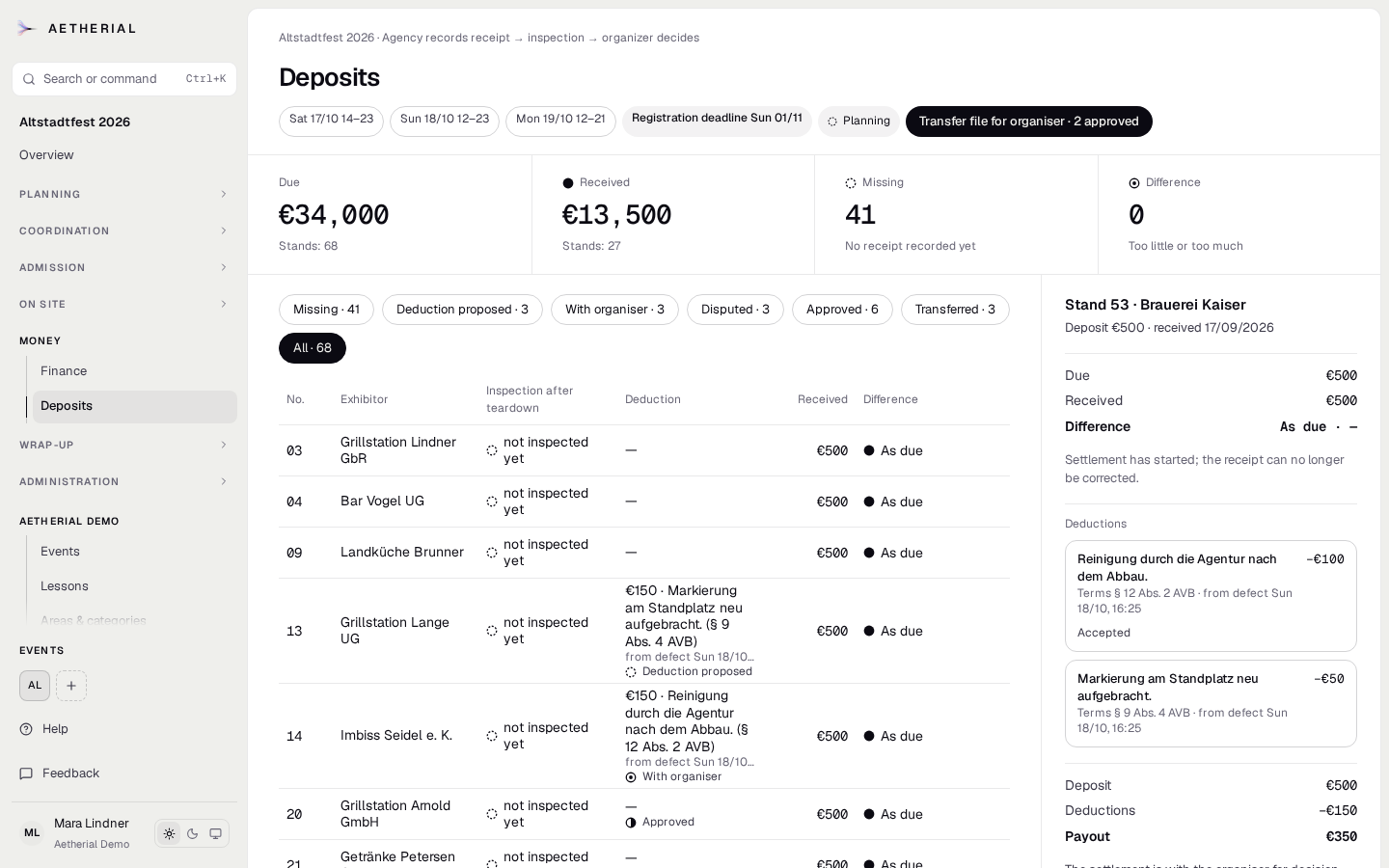
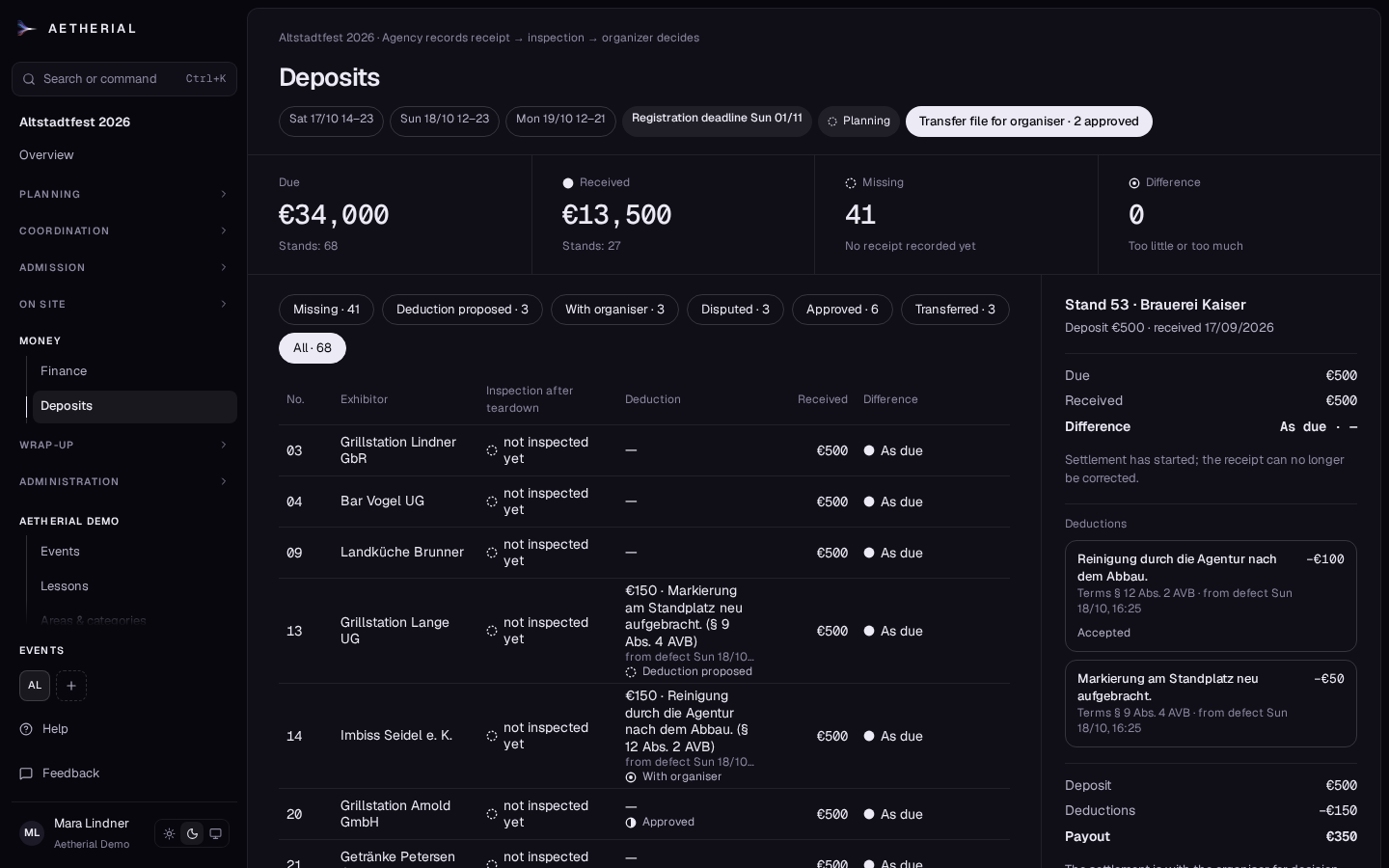
While the settlement is with the organiser, the customer decides on every deduction under “Deductions”, optionally with a “Note (optional)”:
- “Accept”: the deduction counts with the proposed amount.
- “Change amount”: enter a new amount (above €0, different from the proposal) and “Apply amount”. The proposal is shown struck through.
- “Reject”: the deduction does not count.
Every decision can be changed again until approval. Deposit − deductions = payout uses the decided amounts.
Approve and penalties above the deposit
Section titled “Approve and penalties above the deposit”Once every deduction is decided, the customer approves with “Approve”. The payout is then fixed, the stand shows “Approved” and nothing can be changed any more.
If the decided deductions exceed the deposit, the remainder goes into a separate invoice as a penalty: the settlement shows the amount under “Separate invoice (penalty above deposit)”, and on approval Aetherial creates a record for it (net, in cents). The agency issues the invoice itself outside Aetherial. Decisions, approval and the penalty invoice are in the log.
Penalty invoices
Section titled “Penalty invoices”If the event has penalty invoices, “Penalty invoices · count” in the page header leads to the list for invoicing: per invoice stand, exhibitor, reason (“Deductions above the deposit” or “Contract penalty without deposit”) with what it is based on (the counted deductions or the contract penalty with clause, reason and amount), net amount and time, with the total below. “Download CSV” gives the same list for Excel (amounts in euros, times in German time), plus the column “Email for invoices” of the exhibitor (empty if none is given). Agency and customer see the list and CSV; bank details and internal notes never appear in them.
Dispute by the exhibitor
Section titled “Dispute by the exhibitor”While the settlement is approved and not yet in a transfer file, the exhibitor can dispute it with a reason via their stand link. The stand then shows “Disputed” and appears under the “Disputed” filter; the panel shows when and why. A disputed stand never goes into a transfer file.
The agency reviews the dispute and puts the settlement to the organiser again with “Send to organiser again”. The stand shows “With organiser”, the fixed payout and any separate invoice are dropped; the customer sees the reason, can change their decisions and approves again. The dispute and the resend are in the log.
Notifications
Section titled “Notifications”Aetherial notifies automatically as soon as the step is saved:
- Send to the organiser, Send to organiser again and the bulk action “Send all without deductions to organiser”: every person with the customer role in the event gets one email per send in their language with the number of stands sent and a link to the deposits (filter “With organiser”).
- Approve (also via “Approve all without deductions”): the exhibitor of every approved stand gets an SMS (template “Deposit settlement” from the message templates, formal) and an email in the language of their stand request, both with their stand link to the settlement. SMS and email go only to the organization’s mobile number and address, never to the on-site contact. For this Aetherial issues the stand link anew; the previous link no longer works. If none of the messages to the exhibitor goes out, the previous link keeps working. A revoked link is not issued anew. This also applies to a stand cancelled after its deposit came in; if the exhibitor has no link yet, Aetherial issues one for this.
No notification contains amounts or bank details. If an address or mobile number is missing, no customer is registered for the event or the stand link is revoked, the step stays saved; a notice appears at the top, and the message shows as failed in the history under Messages. The deposit refund reminder also goes to the customer (deadlines).
Contract penalty without deposit
Section titled “Contract penalty without deposit”If no deposit was received for a stand, e.g. because the exhibitor cancelled, a contract penalty becomes an invoice, not deposit (such as the handling fee on cancellation). This works for cancelled stands with an exhibitor and for confirmed ones with a deposit in the price list, as long as no receipt is recorded.
For the selected stand, “Contract penalties without deposit” has the button “+ Contract penalty (invoice)”: choose an entry from the contract penalties, check clause, amount and reason (empty fields take the penalty’s values) and give evidence: tick photos of the stand or write an evidence note (e.g. “cancellation email of 3 May”), at least one of the two. “Propose to the organiser” creates the contract penalty; it is “With organiser” right away. The agency can take it back with “Remove” until the organiser has decided. In the list it shows in the deduction column with “Invoice, not deposit”.
The customer decides finally with “Accept”, “Change amount” or “Reject” (note optional). On accept or a changed amount Aetherial creates the record for the separate invoice (net, in cents), on reject it does not. The agency issues the invoice itself outside Aetherial. The evidence note and the organiser’s note stay internal.
If the deposit is received later after all, existing contract penalties without deposit remain and can still be decided; new contract penalties then go as a deduction. Proposal, removal, decision and invoice are in the log.
Transfer file (SEPA)
Section titled “Transfer file (SEPA)”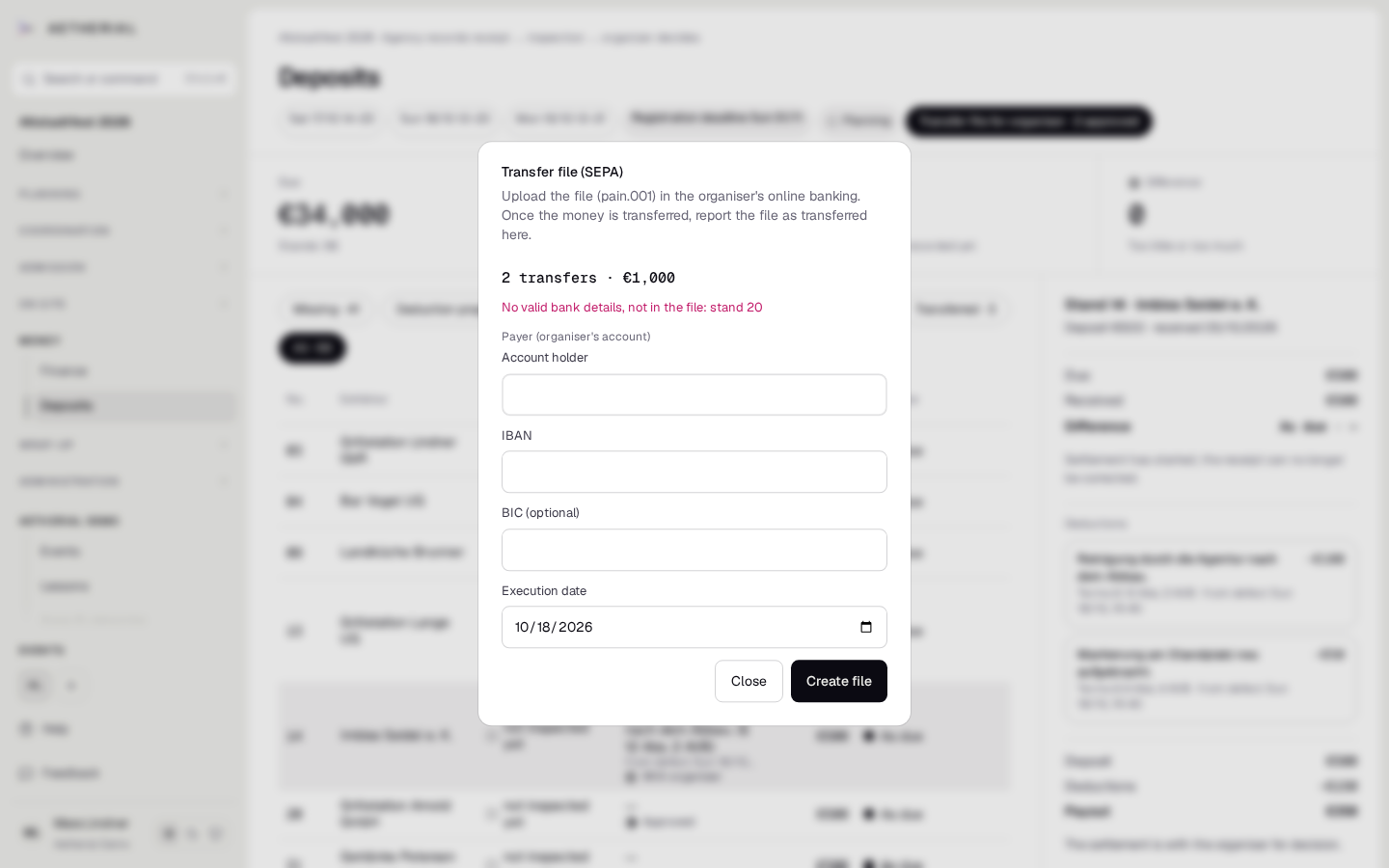
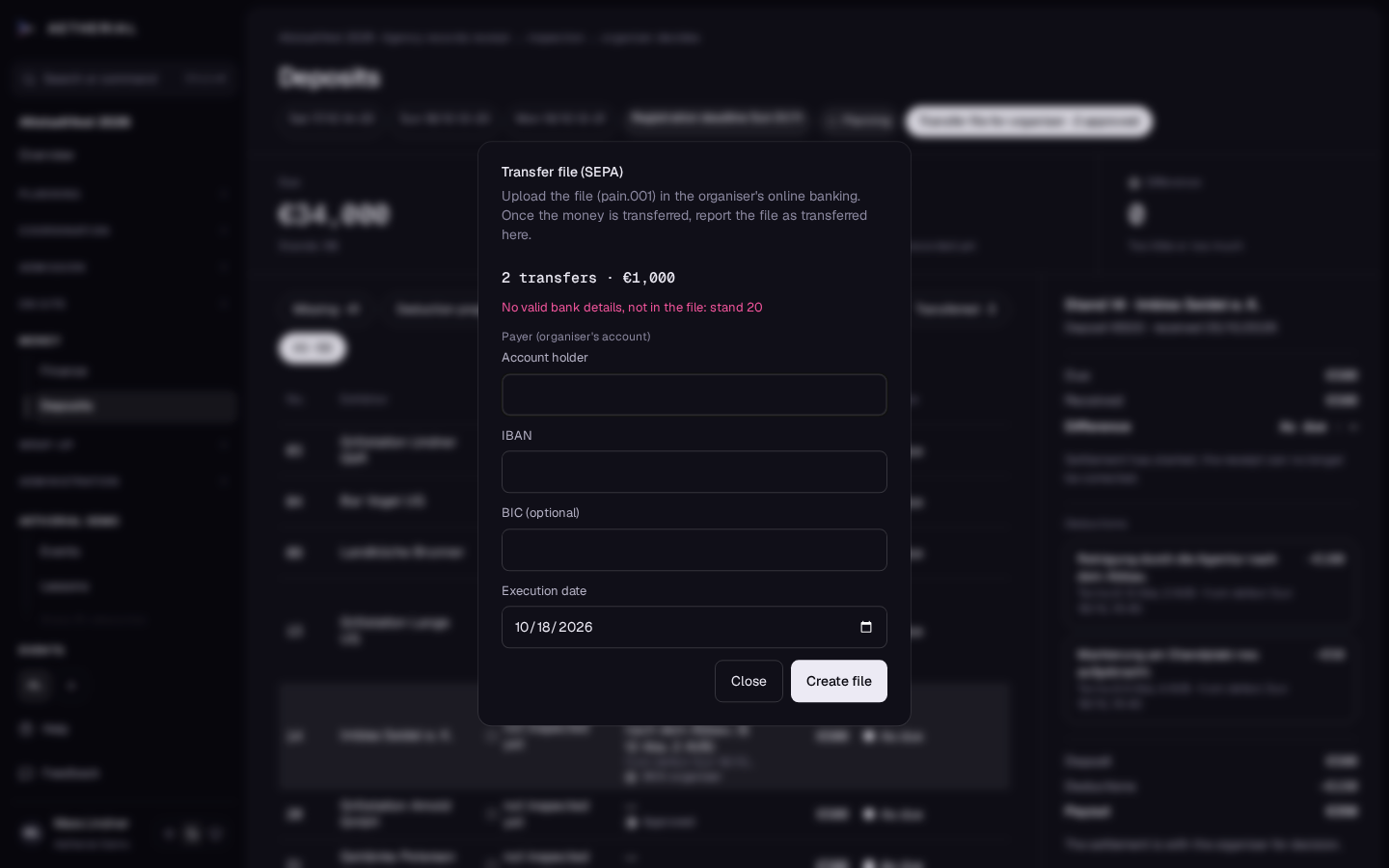
With the extra right bank data (agency or customer, never via MCP or the assistant, only without a restriction to sectors or areas) the header shows “Transfer file for organiser · N approved”. The dialog shows the number and sum of the transfers and the stands without valid bank details (the exhibitor’s account holder and valid IBAN are missing); those stay approved and go into a later file. Approvals with a €0 payout go along without a transfer.
Enter the organiser’s account (Account holder, IBAN, BIC (optional)) and the Execution date (from today). “Create file” checks every detail, creates the file and sets the stands to “In transfer file”. The file is a SEPA credit transfer in format pain.001.001.09 (German banking standard), one batch booking in euros; umlauts are spelled out (ä → ae), other special characters are dropped.
“Transfer files” lists every file with execution date, number and sum:
- “Download file” downloads the XML file for the organiser’s online banking. It is built from the exhibitors’ current bank details; if one is missing meanwhile, there is no file but a message with the stand number.
- “Report as transferred” once the money is transferred: every stand of the file shows “Transferred”, the organiser’s account is deleted and the file can no longer be downloaded.
- “Discard file” when the bank rejects the file or it is not transferred (after a confirmation): every stand of the file is “Approved” again and goes into a new file, the organiser’s account is deleted. The file stays in the list as “Discarded on …” (slash), without stands, and can no longer be downloaded. A transferred file cannot be discarded, nor can single stands.
If the execution date of an open file is in the past, it cannot be downloaded: the file shows “Execution date … is in the past”, below it a new date (from today) and “Change date”. After that it downloads again with the new date.
The event can only be archived once every deposit is transferred.
File, report, discard and new execution date are in the log, without bank details.